Not quite. Zapier runs in the background, SparkUp! runs on the surface directly inside the tools your team uses. It complements your automations (Zapier, n8n, Make, Relay) by giving them a front-end trigger and real page context.
Is SparkUp! a scraping tool?
Not quite. SparkUp! isn’t built for large-scale data scraping, extraction, or harvesting. But it does use light, page-level context (like selected text, visible fields, or highlighted elements) so your custom features can understand what’s on the screen and trigger the right workflow.
Does it work reliably on any website?
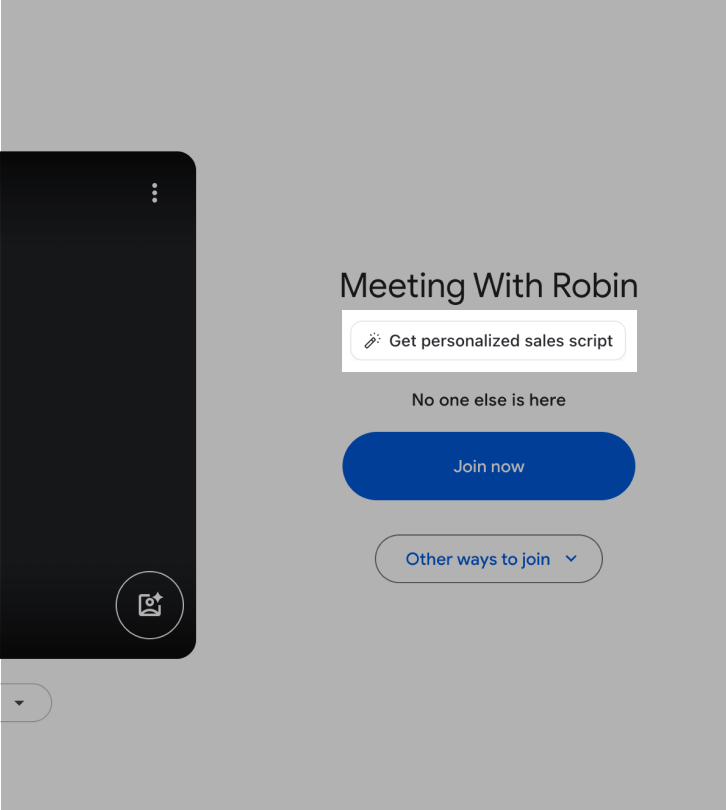
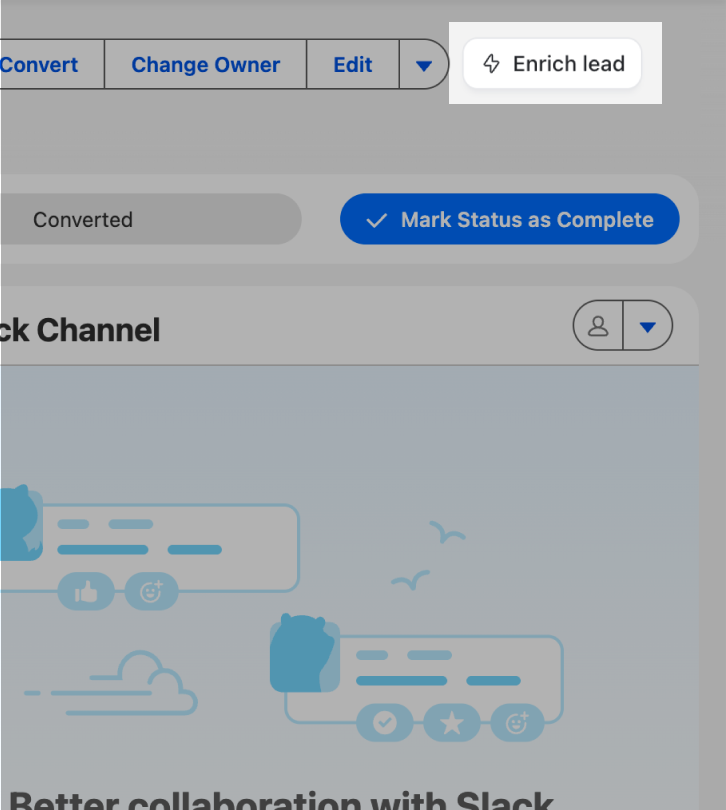
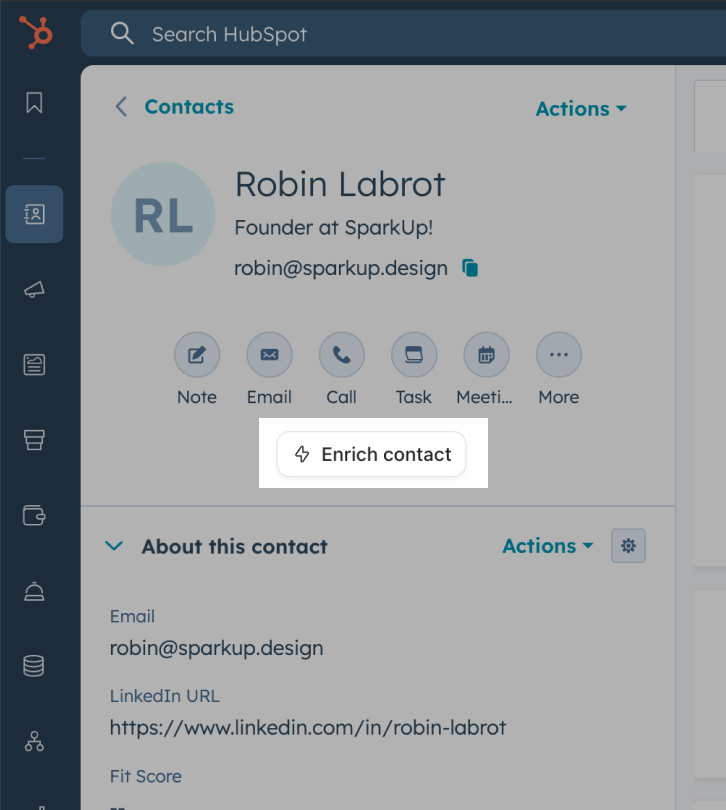
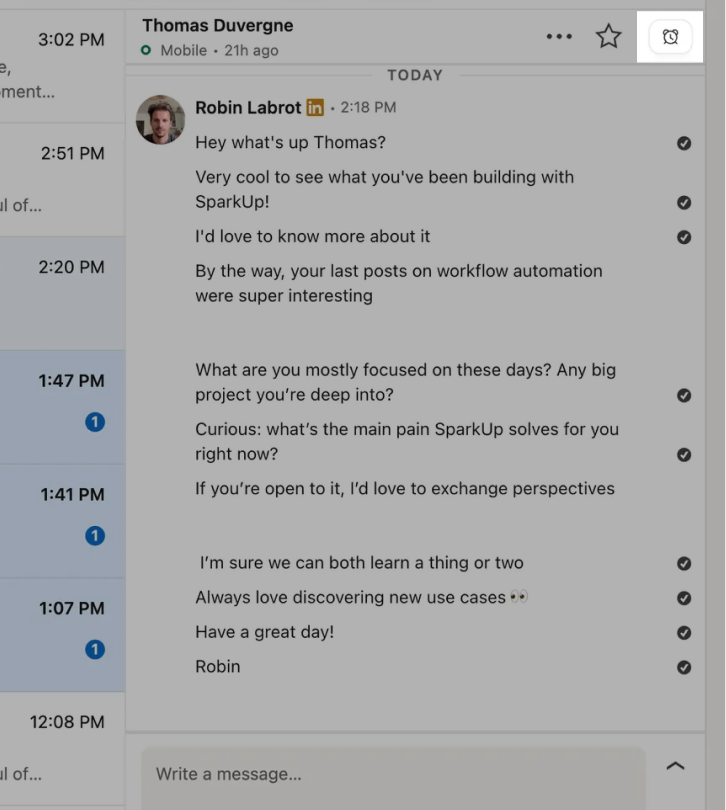
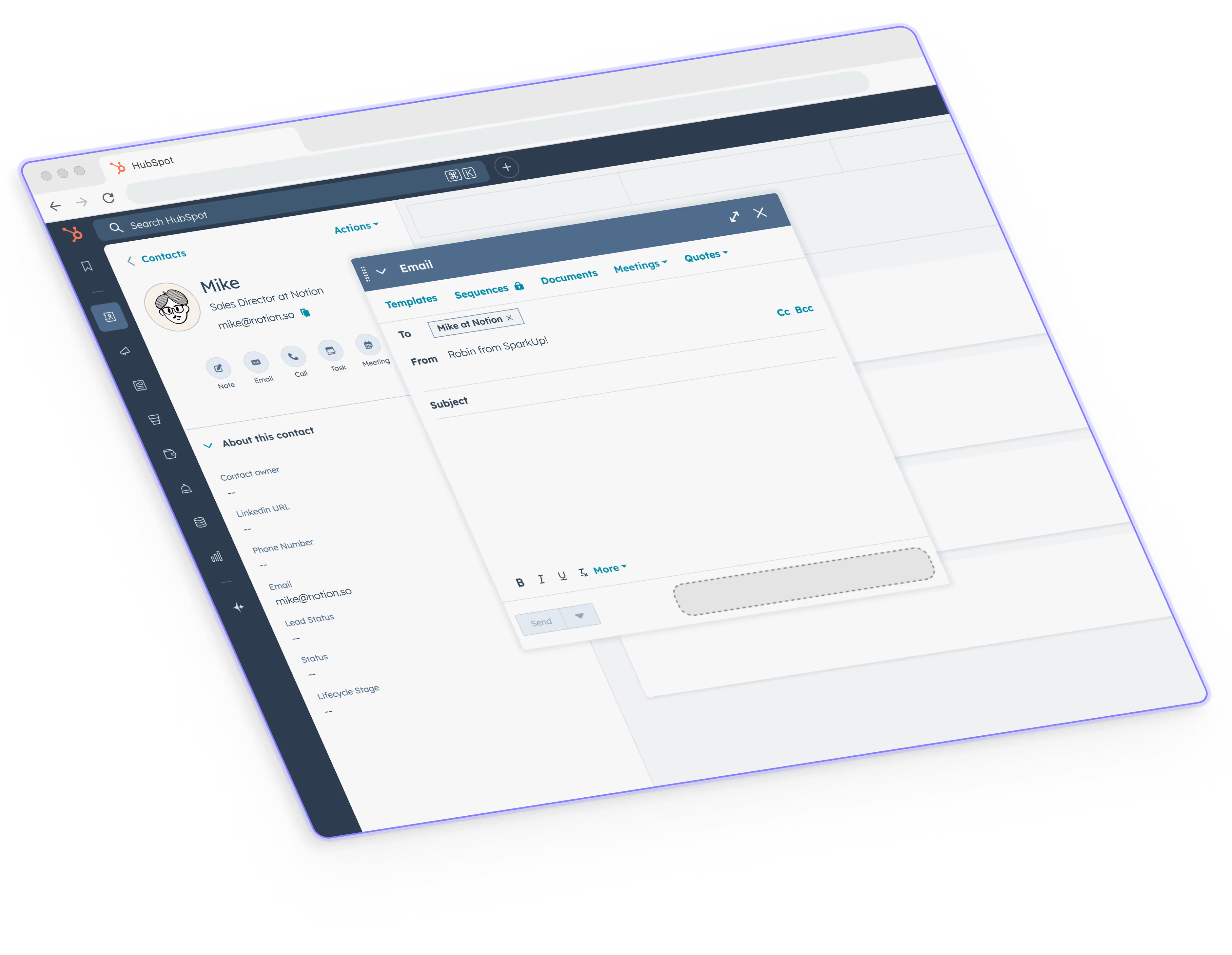
Yes, SparkUp! runs as a Chrome extension that injects safe, lightweight UI overlays. We’ve built it to work seamlessly on common websites and products (Salesforce, HubSpot, LinkedIn, Zendesk…)
How does SparkUp connect to our existing tools?
SparkUp runs without connecting to the target tool. App connections are optional and handled via Zapier, Make, n8n, or Relay.
Is it secure for my company?
Absolutely. All sparks run locally in your browser, no user credentials are ever stored on our servers. You choose what data to send, and we’re fully compliant with Chrome extension privacy guidelines.
How will my teammates get the same sparks?
Once you invite them to your workspace, all sparks are automatically synced. No setup, no copy-paste, they just appear inside their interfaces.
Does my team need to code to use it?
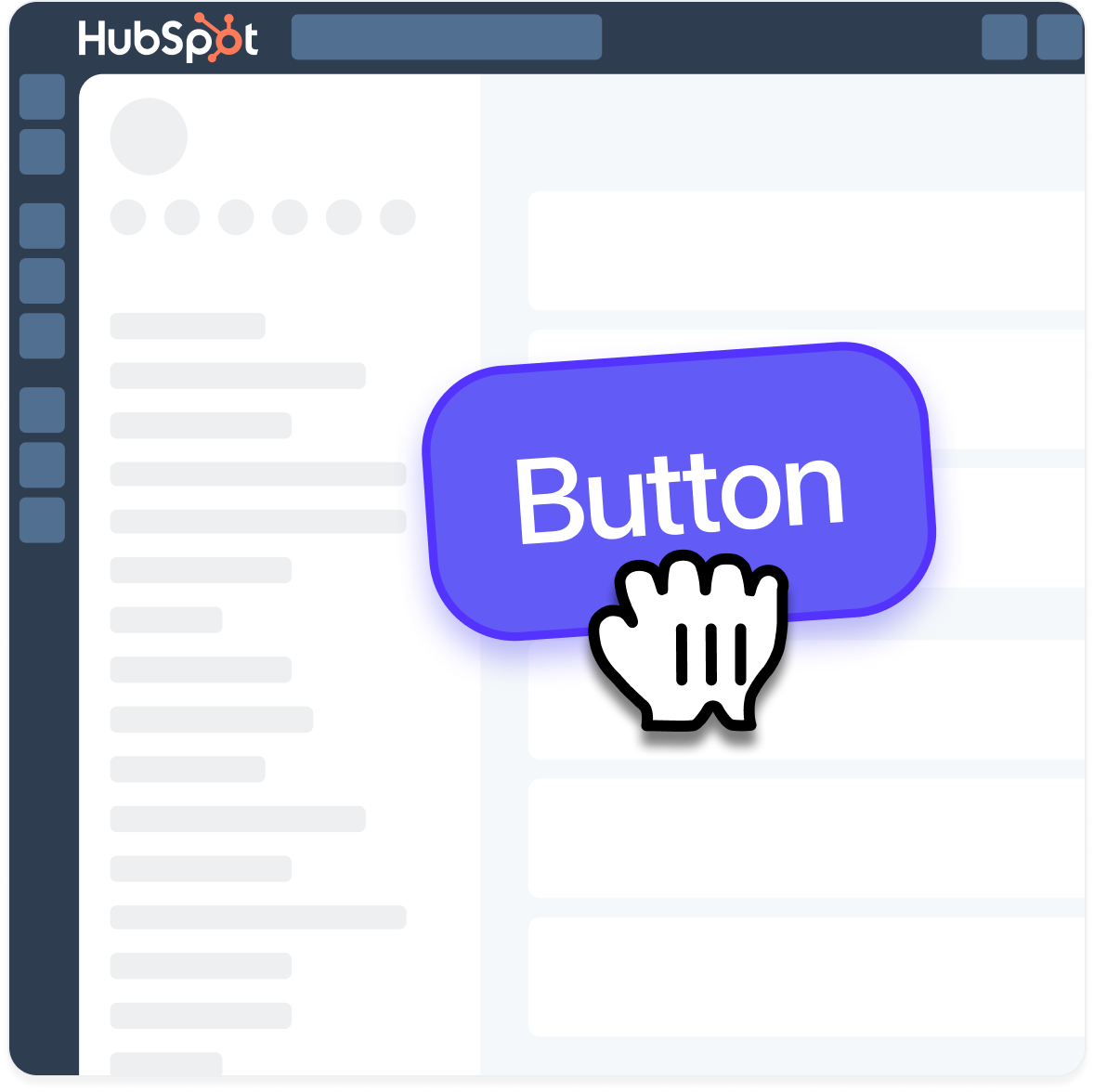
No coding required. With SparkUp!, you simply click on elements inside the page to configure actions and define “if this, then that” logic that connects to your n8n, Make, Zapier, or Relay workflows. Everything is built so you can create features without needing a developer.
Yes! We’ll guide you through your first ones. You can book a short onboarding call with our team, and we’re also building ready-to-use templates for tools like Hubspot, LinkedIn, and Intercom.



.avif)

.avif)


.png)
.png)
.png)